On Supabase, the "publishable" key that circulates in your app is public by design: it's not a flaw, it's the instruction manual. The protection of your data rests entirely on the access rules, Row Level Security (RLS): rules written table by table that say who can read, write or delete what. A well-configured Supabase app can be well protected; an app without appropriate rules still needs its permissions defined.
If your app uses Supabase directly or through Lovable, this concerns you. Lovable projects may now use Supabase or Lovable Cloud, both of which rely on Supabase-compatible access controls. Here is how to understand and inspect them carefully.
How it works, in two paragraphs
Your database contains tables: customers, orders, messages. When your app
queries the database, Supabase first checks the rules of the table involved. A rule
says, for example: "a logged-in user can read the rows whose user_id column is
their own". No rule that allows it? Access denied. It's a simple, robust system:
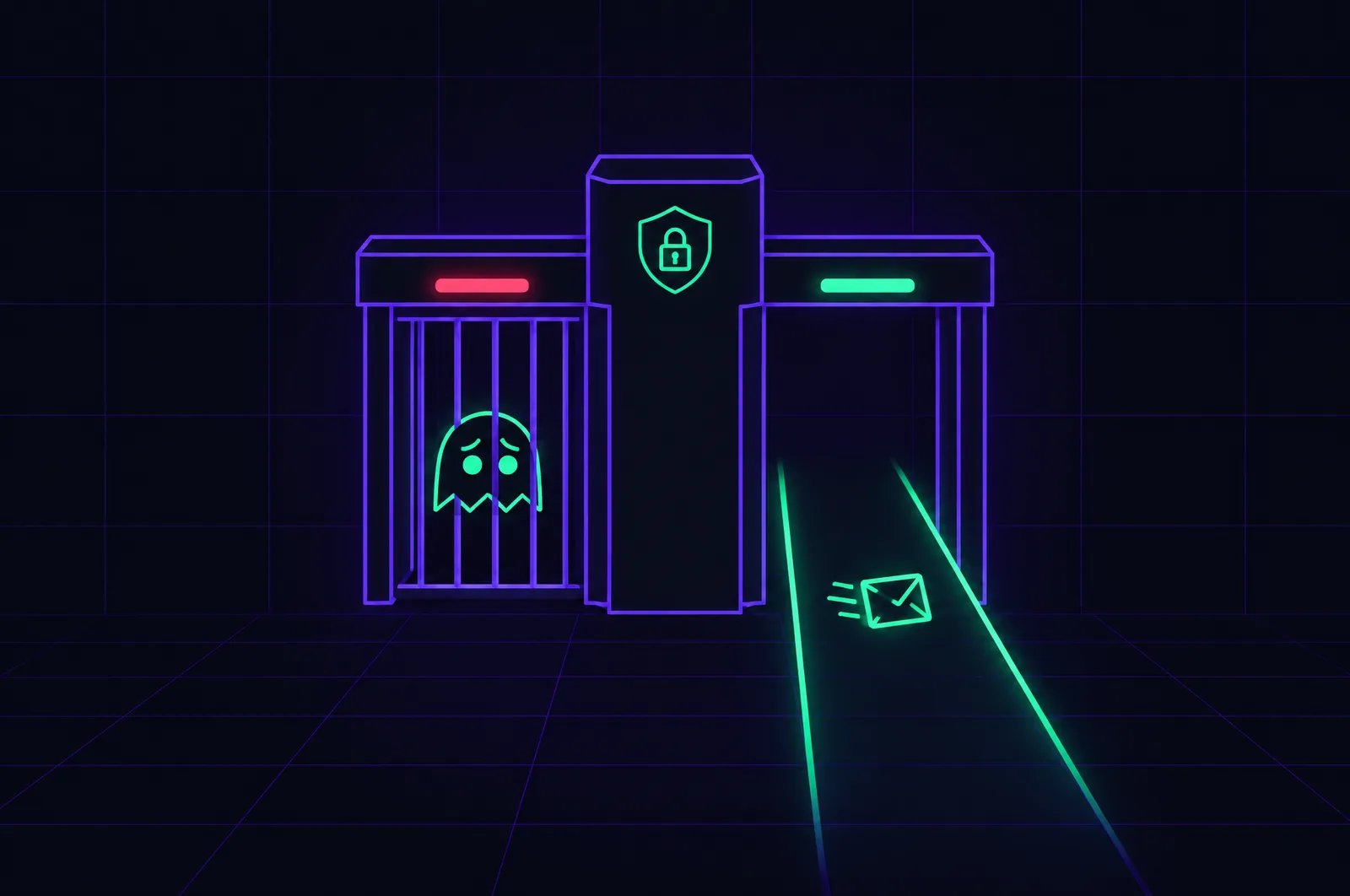
the bouncer stands at the door of every table.
The surprising part: by default, enabling RLS on a table without writing any rule blocks everything, and forgetting to enable it lets everything through for whoever knows the public key (that is, everyone, since it's in the browser). All the security therefore comes down to two questions: is RLS enabled everywhere, and do the rules really say what you think they say?
The five-minute test
Open your Supabase dashboard, "Table Editor" or "Database" section:
- List your tables. For each one, check that RLS is active. Supabase actually shows a visible warning on tables exposed without rules: don't ignore it.
- Read the existing rules ("Policies" section). Even without being a
developer, you can spot suspicious names: a policy called "Enable read access
for all users" on your
customerstable says exactly what it says. - Count the tables without any rule. RLS on + zero rules = inaccessible table (your app will fail on it); RLS off = open table.
This test doesn't replace an audit, but it answers the most urgent question: "can someone read my data right now?"
The three classic traps of vibe-coded apps
1. The over-generous rule
The AI wants the app to work on the first try; the simplest rule that works is
"everyone can read everything". Frequent result: the profiles, emails and messages
of all users readable by each of them. The fix consists of rewriting the rule
around identity (auth.uid()), table by table.
2. The service key in the browser
Supabase also provides a "service" key that bypasses all the rules: it's made for the server, never for the browser. When the AI pastes it on the front end to "make a feature work", no rule in the world protects anything anymore. The test: search for "service_role" in your exported code (you did connect it to GitHub, right?).
3. The forgotten table
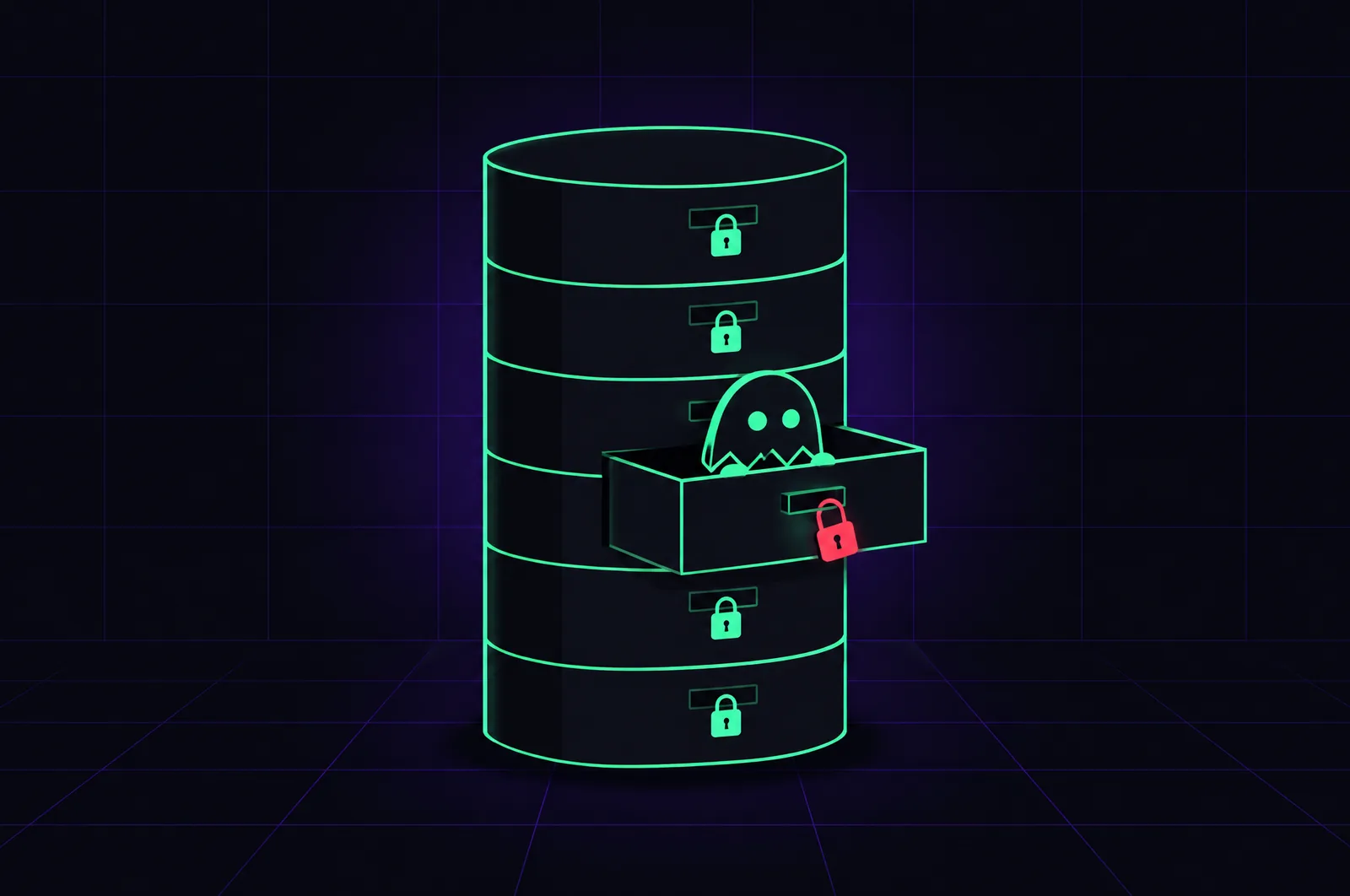
RLS is configured table by table, and the tables added along the way (week 3's feature, the logging table) are the ones most often forgotten. Hence the golden rule: with every new table, the rules question comes up immediately, not "later".
Fixing without breaking
Writing correct RLS rules requires understanding your data model: who owns what, who shares what with whom. It's developer work, but bounded work: a few hours for a reasonable app, not weeks. In a Scan, it's systematically the first point checked; in an Intervention, the rules are rewritten and tested with demo accounts, without interrupting your app. And before opening to real users, the full checklist deserves a complete pass.